From Submitted to Live: My First iOS App in Two Weeks
How I built CapQuick, survived three App Store rejections, and shipped in two weeks without knowing any of it two weeks ago.
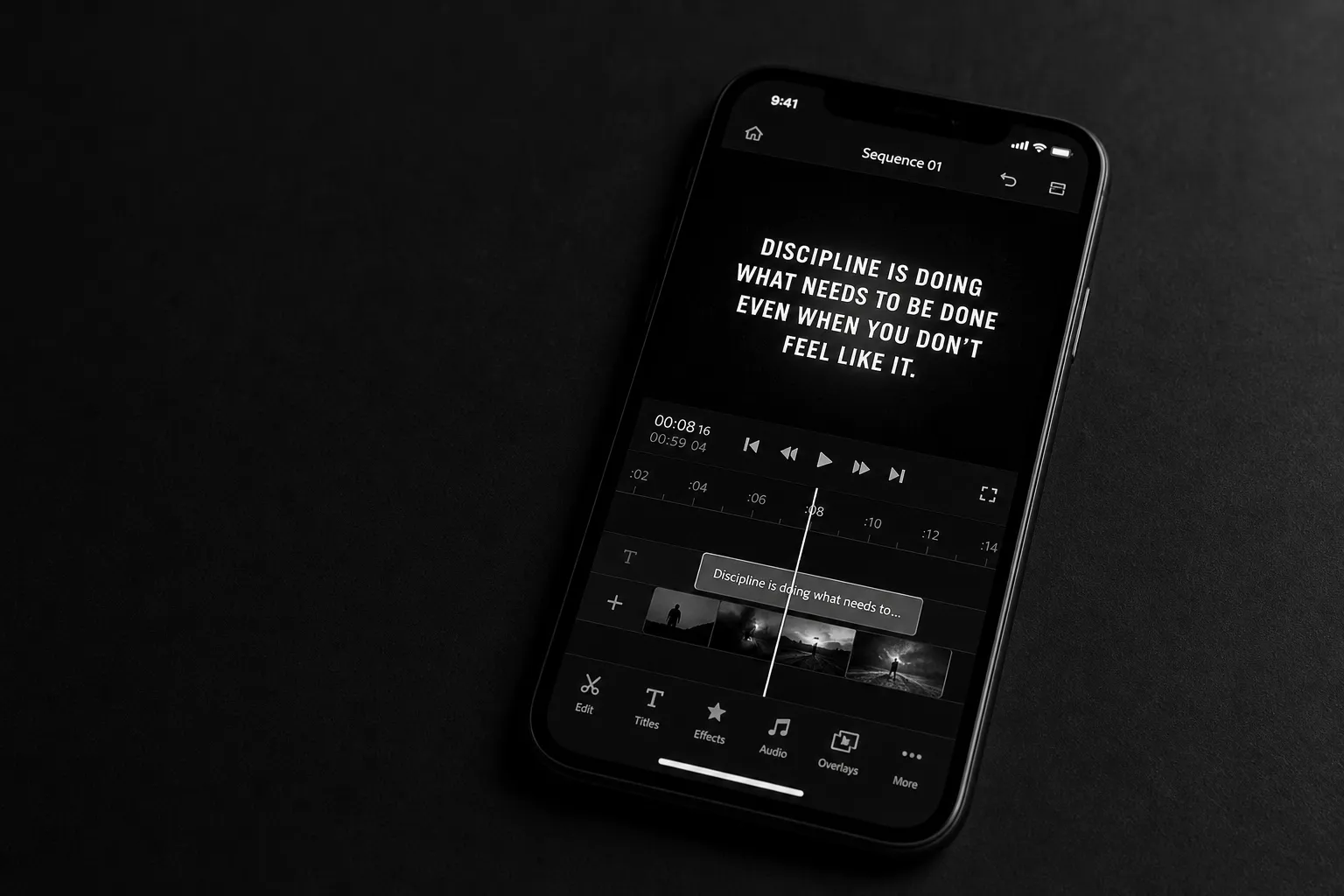
The Problem I Kept Running Into
X is a text platform that learned to love video. That DNA matters.
When you scroll X, your phone is muted. Most people never unmute. That means if your video doesn’t have captions, your message dies in the first two seconds — silently, literally.
I knew I wanted to post more video content on X. I also knew captions weren’t optional. So I went looking for a tool that could handle it fast. What I found was either a $20/month subscription I didn’t want, a bloated video editing app with captions buried four menus deep, or a workflow that took longer than just recording the video twice.
None of that worked for me. So I built CapQuick.
CapQuick is an iOS app that lets you record or import a video, add captions automatically, and publish fast. No subscription. No editing suite. Just captions, quickly.
Two weeks ago I didn’t know how to submit an app to the App Store. Today, June 8th, 2026, CapQuick is live.
Here’s what those two weeks actually looked like.
The Build: Claude Code, Codex, and Learning by Shipping
I built CapQuick using a mix of Claude Code and OpenAI Codex. If you’ve used either tool for a serious build, you know the workflow: you’re not just prompting, you’re directing. You have to know what you want well enough to describe it precisely, then review what comes back with a critical eye.
What I didn’t expect was how useful my own app would become as a test bed.
Once CapQuick was functional enough to actually use, I started using it. Not testing it in a QA sense, actually using it to caption and publish real videos. That feedback loop was faster and more honest than any formal testing I could have done. When something felt slow or awkward in real use, I fixed it. When a flow felt right, I left it alone.
Using the thing you’re building is underrated. It’s the fastest way to close the gap between “it works” and “it’s good.”
The App Store Connect Process: Three Rejections, One Approval
Apple isn’t trying to reject you. They’re trying to make sure you’re serious.
I submitted CapQuick and got rejected three times before approval. Each one taught me something.
Rejection 1: They couldn’t find the Pro download.
Apple’s reviewers test your app manually. If your submission references a feature or tier they can’t access, they’ll stop and ask. I had referenced a “Pro” version without giving them a clear path to find it. Once I clarified, we moved forward.
Rejection 2: Face data usage.
CapQuick uses face detection to frame the project thumbnail. Apple wanted to know exactly how I was using face data and whether I was storing it. The answer was simple: I don’t store user data anywhere. The face detection is purely local and just for framing. Once I documented that clearly, no issue.
Rejection 3: iPad incompatibility.
I wasn’t building CapQuick for iPad. Apple flagged that the app had compatibility issues on iPad. I wasn’t planning to support iPad, but the right move was to fix it anyway and make the behavior clean rather than leave it broken on a platform I hadn’t officially ruled out.
All three rejections were reasonable. None of them were gotchas. Apple wants to see that you’re a developer with a solution mindset, not someone who’ll abandon the app the moment it gets hard. Each response I gave them was clear, direct, and backed by a fix or a clarification. That’s the whole game.
What Two Weeks Actually Proved
I didn’t know how to submit to the App Store on May 25th, 2026. It was Memorial Day. I started anyway.
Two weeks later the app is live.
That’s not a brag — it’s a data point. The gap between “I don’t know how to do this” and “I shipped it” is smaller than most people think. The tools available right now, Claude Code, Codex, Apple’s own documentation, close that gap faster than they ever have.
The lesson I keep coming back to isn’t about AI or iOS or App Store Connect. It’s simpler than that.
Keep going. Every rejection has a path through it. Every thing you don’t know yet is just a thing you haven’t learned yet. The only way to find out if you can build something is to start building it.
CapQuick exists because I kept going. That’s the whole story.
Try CapQuick
If you’re a creator posting video on X and you’re tired of muted videos going nowhere, CapQuick is for you.
Record or import. Captions added automatically. Publish fast. No subscription.
Search CapQuick on the App Store or grab it at the link below.
